
Checking for a Warrant in Erin
Begin with the citation itself. Read it for the court named, the date, and the paper number, since those three details drive every call you make. Erin's official police page lists both the Police Department and the City Court Clerks at 15 Hill Street, P.O. Box 187, Erin, TN, reachable at 931-289-2727. The city posts no public warrant-search page and no active-warrant roster, so the phone is the tool that matters. Ask the city court directly whether your case carries a balance, a missed appearance, a contempt or default entry, or an open warrant. When you call, give staff the date and the paper number, then ask which case record controls the file. A county jail entry or a payment screen can reflect a different stage entirely than the city's current docket, so do not treat either one as the final word on an Erin warrant.
- Use the citation number and court date from the ticket or notice.
- Call Erin City Court at 931-289-2727 and ask for a docket check.
- Confirm whether payment is accepted for that specific matter.
- Ask whether any payment will recall process or trigger a court appearance.
- Keep the receipt or order and request confirmation when records are updated.
Erin's 2020 Population and County Seat Role
Erin serves as the county seat. The 2020 Census counted 1,224 residents in the Tennessee ECD certified report, and the city's police and court contact sits at 15 Hill Street. The county government and courthouse use a different address, 4725 East Main Street. These are separate offices in Houston County, so match your errand to the agency the case actually names rather than blending the two.
Population is city context, not a count of open traffic cases or warrants.
Erin Police and Municipal Court
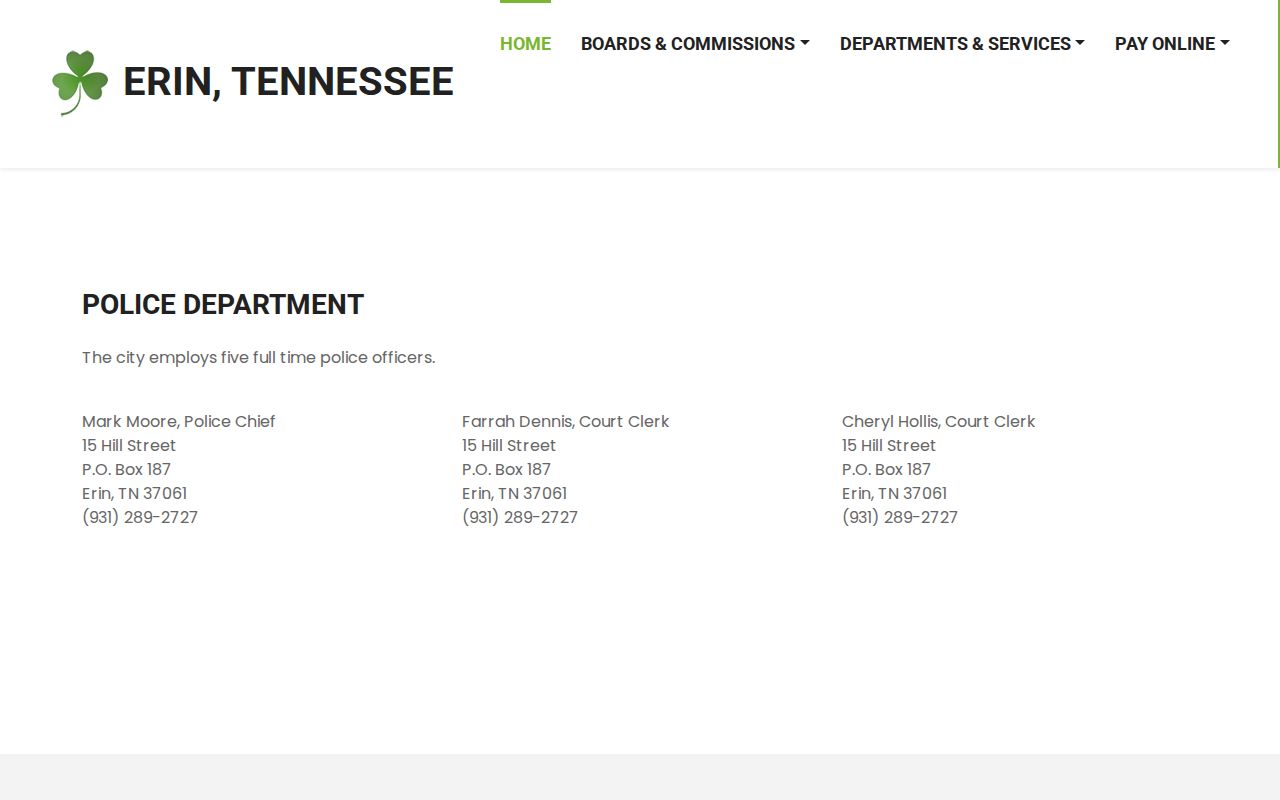
Erin's official police page names five full-time officers under Chief Mark Moore, plus City Court Clerks Farrah Dennis and Cheryl Hollis. Police and court share one contact point: 15 Hill Street and 931-289-2727. The page offers no active-warrant list and no status form. For an ordinance or traffic citation, the city clerk is the first Erin office to ask about the case entry.
Erin Police Department / City Court
15 Hill Street, P.O. Box 187
Erin, TN 37061
931-289-2727
The city's contact page lays out the named police and court route for Erin. See Erin's police and City Court contacts on the official site for the listed numbers.
Call to confirm current staff and office access before mailing or appearing.
Erin Warrant Clerks Have a Directory Mismatch
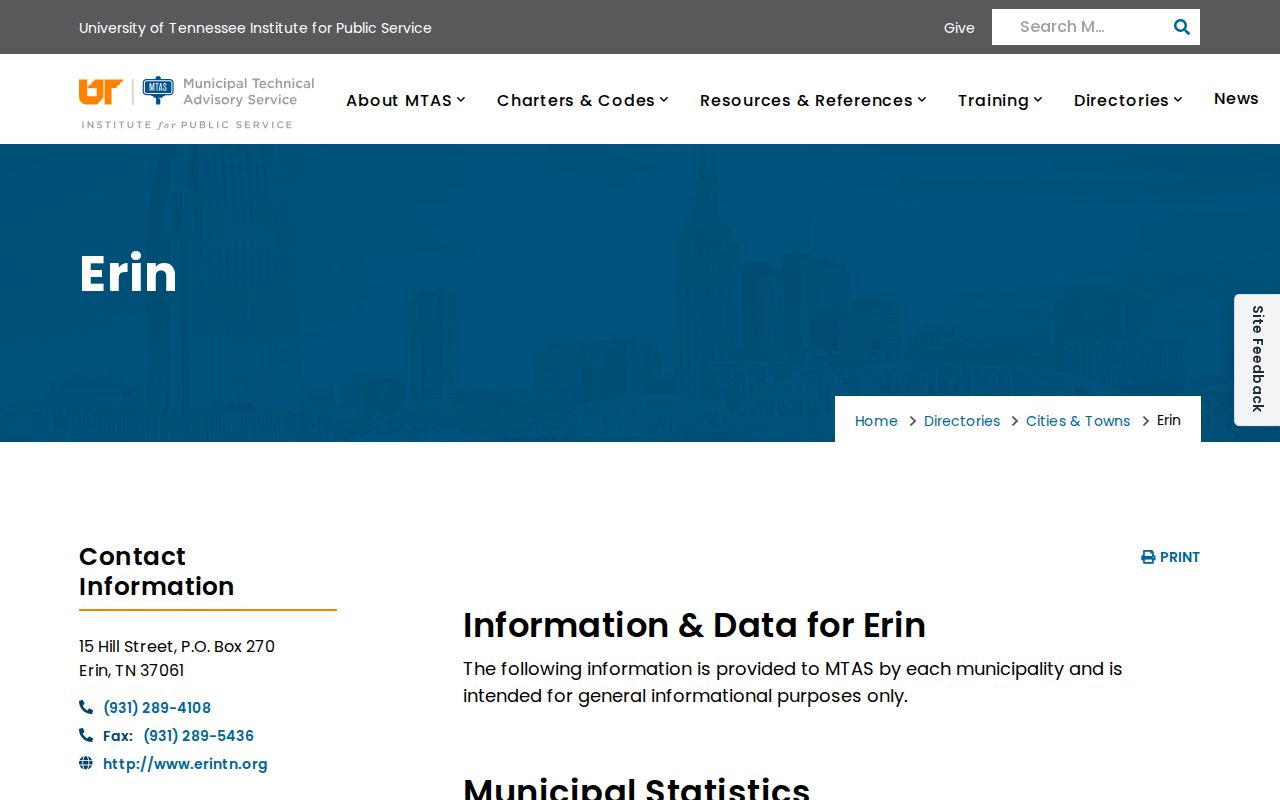
Erin's current police page names Farrah Dennis and Cheryl Hollis as court clerks. The AOC city-clerk directory still shows an older or different Erin listing, one for Paula Mathis at 15 Hill Street. Treat the city page as the current contact reference, but verify the clerk before you send records or plan a court visit. A second resource helps here. The UT MTAS city directory adds municipal-code and city-contact context for Erin, and it lists office hours of Monday through Friday, 7:30 a.m. to 4:00 p.m. Confirm those hours with Erin before you travel, since directories can lag. The directory's own page shows Erin's municipal listing rather than any person or case. Open UT MTAS's Erin city directory for the published city information.
Directory hours and staff entries can age, so make a confirmation call.
Erin Warrant Types
Erin's city court handles ordinance and traffic matters. Miss a date, and the result may be an FTA, a contempt or default entry, a new citation, or other process the court directs. A county arrest warrant or capias travels a different route through another court and law-enforcement office. The Erin city code directory lists Title 3 Municipal Court and Title 15 Motor Vehicles/Traffic, but neither one is a current docket.
| Record Question | Erin Route | Limit |
|---|---|---|
| Traffic ticket or ordinance | Erin City Court Clerk | No public warrant lookup located |
| Missed court date | Ask whether FTA/default or bench process was entered | No automatic rule confirmed |
| County arrest warrant | Separate sheriff and issuing-court route | Not a city balance lookup |
Erin Warrant Records and CitiSen's Payment Fields
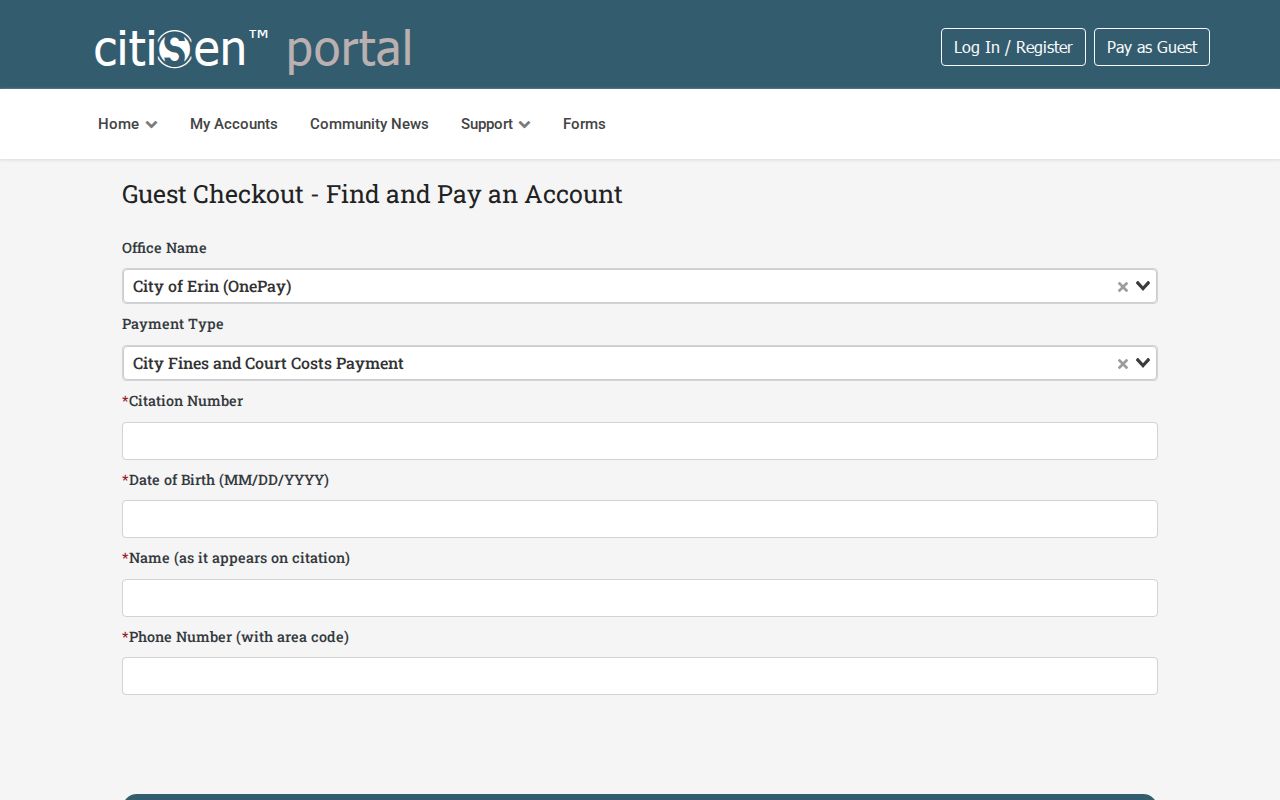
Erin's payment page links CitiSen for City Fines & Court Costs and notes that online and credit-card transactions carry a 2.5% fee. The guest screen asks for an account number, tax year, receipt number, a Search By choice, an optional case year, a balance-due filter, a payment type, and payment controls. Its dynamic Search By options sit behind the form itself. The vendor-hosted guest payment form is a payment tool, not an official warrant-status result for Erin. View the CitiSen guest payment screen linked from Erin's payment page before you enter anything.
The service requires an exact match among account, receipt, and tax-year details. Let the clerk in Erin steer you to the case-specific route.
Inside an Erin Warrant Record
Erin publishes no warrant result page, so the fields of a live record cannot be listed here. The city's payment form carries account and receipt controls for collecting eligible fines, nothing about warrant status. Ask the clerk which citation or case number identifies the court file, and whether a separate warrant or FTA entry appears under your name.
| Citation number | Use the number from the ticket or notice. |
|---|---|
| Case year | CitiSen makes this optional in the payment form; it is not a warrant field. |
| Account / receipt | Payment form requires exact account and receipt or tax-year matching. |
| FTA / process | Ask the city clerk; no public status field was located. |
| Recall confirmation | Get the court's direction and written proof if process is withdrawn. |
A neutral sample stamp like ERIN CITATION NUMBER shows the label only, not a real number format that Erin courts publish.
Erin's Payment Screen Is Not a Warrant Check
A guest can search eligible fine accounts and pay through CitiSen, yet Erin's public page never claims the form reports warrants or recalls an FTA on its own. Before you enter payment details, call 931-289-2727 and ask whether the case may be paid online and what written release the court issues once it is satisfied.
Keep the 2.5% fee tied to Erin's city payment transactions. It is not a county bond charge, court recall fee, or Department of Safety fee.
The clerk can say whether an appearance or motion is still due after payment. Save the confirmation and ask when Erin updates its own docket.
How Erin Warrants Fit the County System
If Erin City Court says the matter became a county arrest warrant or jail question, call the Houston County Sheriff's Office at 931-289-4614 and ask which court issued it. The E-911 page linked from the HCSO site is not a city-court search. Tennessee runs no single public statewide warrant-name portal. A Department of Safety FTA process covers licensing compliance, not a city warrant. For countywide contacts, use the Houston County warrant records overview.
Erin Municipal Code and Office Hours
Erin's city code, per the UT MTAS directory, covers Title 3 Municipal Court and Title 15 Motor Vehicles/Traffic, the two titles most likely to matter for a traffic warrant or municipal warrant question. The same directory posts general city-office hours of Monday through Friday, 7:30 a.m. to 4:00 p.m. Treat those as building hours only. They are not a warrant-counter schedule, and they do not promise a clerk will be free for a walk-in warrant question. Call Erin City Hall before you drive over. The city page also links an ADA grievance procedure for access issues; that route handles accessibility complaints, not warrant resolution. Ask the clerk what help or appointment fits your specific court need.
Erin's ADA Grievance Route Is Separate
Erin's contact page links an ADA grievance procedure, and that route is the right one for access concerns. It is not a warrant-status form, a court-date request, a payment channel, or a way to ask a court to recall a warrant. Keep the two tracks separate. For the underlying citation or court process, call City Court at 931-289-2727 and ask what record and next step apply to you.
Erin Warrant Record Access Under TPRA
A Tennessee citizen can ask the city for existing public records under the Tennessee Public Records Act, Tenn. Code Ann. § 10-7-501 et seq., though exemptions apply. Erin publishes no warrant request form or fee schedule of its own. So contact the city or court clerk directly. Describe the citation number and the date range you want searched, then request inspection or copies. If anything is withheld, ask for the legal reason. One limit matters here: the city does not have to create a no-warrant certificate just because a search comes back blank. A records request also moves at its own pace and only covers records that already exist. For a live warrant status, the clerk's phone is the faster route.